
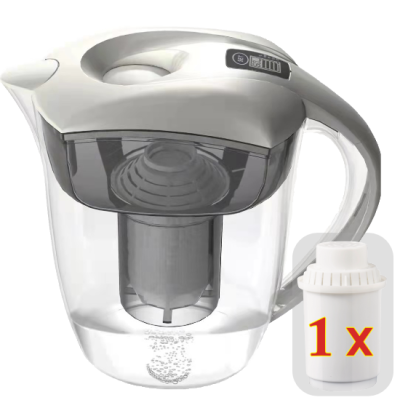












How does the digital display on your water carafe work?
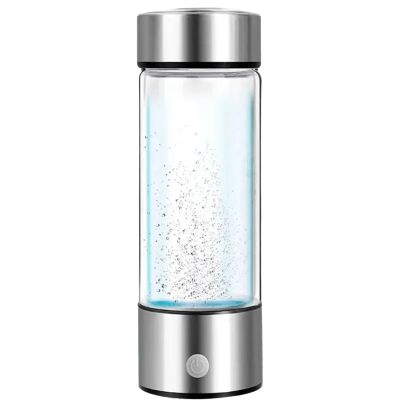
The counter on your carafe for ionized water shows when the filter needs changing. Here is how it works:
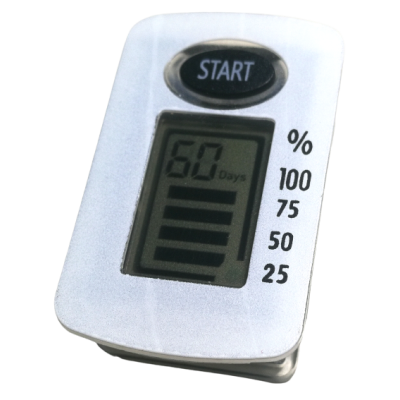
Start/Reset button: when you insert a new filter or use the carafe for the first time, press and hold the START button for 7-10 seconds. This resets the counter.
The day count (60 days): the display shows a number (in the image: 60). It indicates how many days remain until the next filter change. The counter automatically counts down from 60 to 0. Important to understand: these are not percentages but actual days.
The bar display (percentage): to the right of the display you see four bars with a percentage scale (100%, 75%, 50%, 25%). They show the remaining filter life visually in four stages. The fewer bars are filled, the closer the filter change.
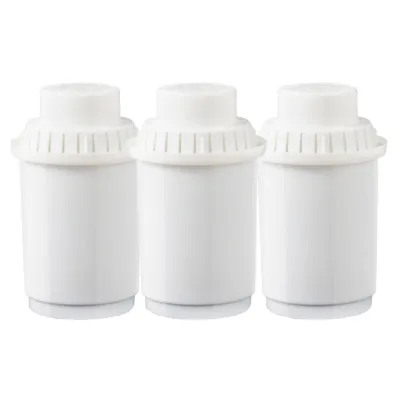
When should you change the filter? When the counter reaches 0 and no bars are filled, it is time for a new filter. Then press START again for 7-10 seconds to restart the counter.